That Little Padlock Icon Is Doing More Heavy Lifting Than You Realize
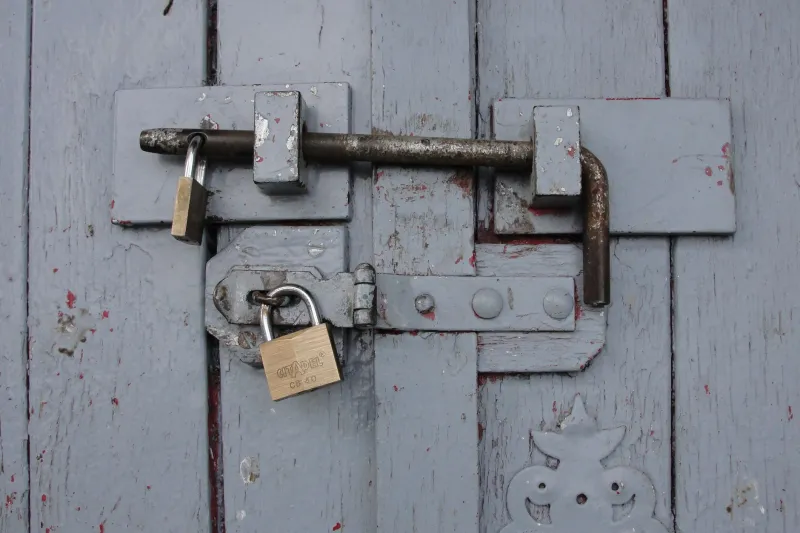
You've probably noticed it: a tiny padlock sitting in the corner of your browser's address bar. Most people scroll right past it without a second thought. But if you own a website — especially one tied to a small business or side hustle — that little icon is either quietly working in your favor or costing you real money every single day.
We're talking about SSL certificates, and the gap between what most budget-conscious website owners think they know about them and what's actually true is pretty significant.
What Even Is an SSL Certificate?
SSL stands for Secure Sockets Layer. In plain English, it's the technology that encrypts the connection between your visitor's browser and your web server. When a site has a valid SSL certificate, the URL starts with https:// instead of http://. That 'S' stands for secure.
Without it, any data passing between your visitor and your site — contact form submissions, email addresses, passwords, payment details — travels as readable plain text. Anyone with the right tools sitting on the same network (think public Wi-Fi at a Starbucks or an airport) could potentially intercept it. That's not a theoretical risk. It's a documented, real-world vulnerability.
The Browser Warning That's Quietly Killing Your Conversions
Here's where things get expensive for site owners who skip SSL.
Google Chrome — which holds roughly 65% of the US browser market — flags every HTTP site with a visible 'Not Secure' warning in the address bar. Firefox does the same. Safari isn't far behind. The moment a first-time visitor lands on your site and sees that warning, trust evaporates. Studies consistently show that more than 80% of users will abandon a purchase or inquiry if they see a security warning.
Imagine a small bakery in Austin running a catering inquiry form. No SSL. Every person who clicks over from their Instagram ad, sees that 'Not Secure' label, and quietly closes the tab is a lost lead. The bakery owner has no idea why their conversion rate is terrible. They keep pouring money into ads, never realizing the problem is a $0 fix they never made.
This scenario plays out thousands of times a day across small business websites in the US. It's one of those invisible leaks that can bleed a site dry without ever showing up in an obvious error log.
Google's Algorithm Has Opinions About Your Security
Beyond browser warnings, there's an SEO angle that doesn't get talked about nearly enough.
Google officially confirmed HTTPS as a ranking signal back in 2014. It's not the biggest factor in their algorithm — content quality and backlinks still carry more weight — but in a competitive niche where two sites are otherwise comparable, the one with HTTPS wins. Think of it as a tiebreaker that Google consistently resolves in favor of the more secure option.
More recently, Google's Core Web Vitals and overall page experience signals have become increasingly intertwined with security signals. A site that scores well on speed and usability but lacks HTTPS is leaving ranking points on the table. For a small business trying to show up in local search results without a massive SEO budget, every signal matters.
"But Aren't SSL Certificates Expensive?"
This is the myth worth busting loudest.
A few years ago, SSL certificates genuinely did cost money — sometimes a lot of it. Managed certificates from certain providers ran $100–$300 per year, and that price tag made small site owners feel justified in skipping them. That era is largely over.
The nonprofit certificate authority Let's Encrypt launched in 2016 with a clear mission: make SSL free and automatic for everyone. It's now trusted by every major browser and operating system. The certificates it issues are cryptographically equivalent to basic paid SSL certificates — the same level of encryption, the same padlock, the same HTTPS prefix.
At HostCraft, free SSL through Let's Encrypt is included with hosting plans right out of the box. You don't need to go hunt it down, manually install it, or remember to renew it. It's handled automatically. That's the way it should be.
Free SSL vs. Premium SSL: When Does Paying Actually Make Sense?
Fair question. If free SSL is good enough, why do paid options exist at all?
The honest answer: for most small businesses and personal sites, free SSL is completely sufficient. The encryption strength is identical. The browser padlock looks the same to your visitors.
Paid SSL certificates — particularly Extended Validation (EV) and Organization Validation (OV) certificates — offer additional layers of identity verification. In the past, EV certificates displayed a green company name in the browser bar, which gave e-commerce sites a visible trust badge. Most major browsers have since removed that visual distinction, which significantly reduced the practical value of EV certs for the average site owner.
Where paid certificates still make a stronger case:
- High-volume e-commerce stores processing thousands of transactions daily, where the warranty coverage of a paid cert provides some financial protection in the event of a breach caused by certificate failure.
- Healthcare or financial services sites subject to compliance requirements that specify certain certificate validation levels.
- Enterprise environments with complex subdomain structures that benefit from wildcard or multi-domain certificates with dedicated support.
For the vast majority of HostCraft's users — small business owners, freelancers, bloggers, local service providers — the free SSL option covers everything you need.
Getting SSL Set Up: It's Not as Technical as It Sounds
If you're already hosting with HostCraft, activating your free SSL certificate is a straightforward process inside your hosting dashboard. Most users can get it done in under five minutes without touching a line of code.
If you're on a different host that doesn't include free SSL, it's worth factoring that into your next renewal decision. A hosting plan that forces you to pay extra for basic security isn't actually the budget deal it appears to be.
Once SSL is active, do a quick check using a free tool like SSL Labs' SSL Test (ssllabs.com/ssltest) to confirm everything is configured correctly. Also make sure all your internal links and any hardcoded URLs are updated to https:// — a mixed content issue (where an HTTPS page loads some HTTP resources) can still trigger browser warnings even with a valid certificate installed.
The Bottom Line
The padlock icon isn't just decoration. It's a signal to your visitors that you take their security seriously, a factor in how Google ranks your site, and a basic cost of doing business online in 2024. The good news is that 'cost' is now zero. There's genuinely no reason to run a site without SSL anymore — and plenty of good reasons not to wait another day to fix it.